Your Pretty Resume PDF Might Be Invisible to Bots: How to Check Machine-Readability
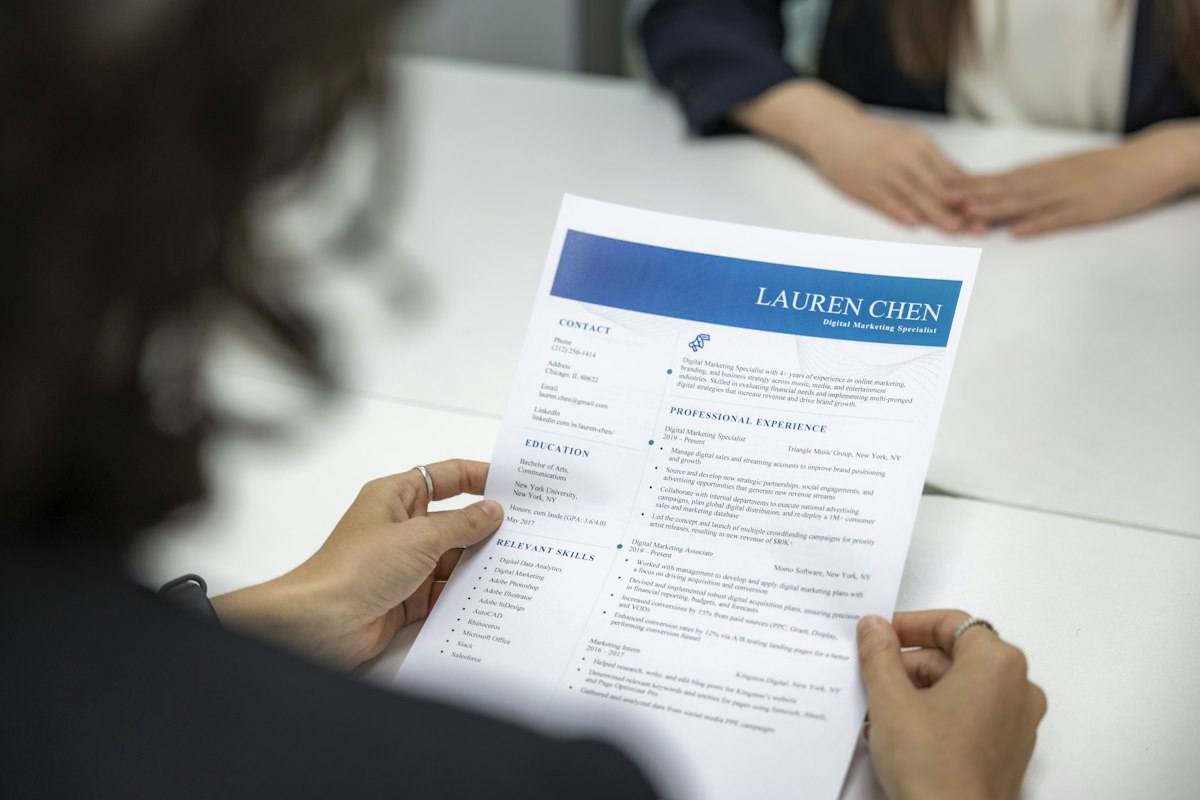
You spent hours on your resume layout, perfected the kerning, chose the exact shade of blue for section headers. Then you uploaded it to an application portal, the system parsed it, and the recruiter saw this:
J ob Exp er ien ce
M L E n gin eer — Ac me C orp
Garbled text, mangled dates, skills that didn’t parse because they were embedded in an icon grid. Your beautiful PDF was effectively invisible to the machine that decided whether a human ever saw it.
Applicant Tracking Systems (ATS) don’t “read” resumes the way people do. They extract text from the PDF’s internal content stream. If that text layer is fragmented, out of order, or missing entirely, the parser produces garbage — and your application gets filtered out before a recruiter’s eyes touch it Jobscan ATS Research.
Why ATS Parsers Fail on Certain PDFs
Modern PDFs are not images of text. They contain a text layer that screen readers, search engines, and ATS parsers rely on. Three common problems break that layer:
1. Text as Vector Graphics
When you export a Canva, Figma, or Adobe InDesign resume to PDF, the tool may render each letter as a filled vector shape rather than a text character. The PDF looks perfect to your eyes because the shapes are there — but there is zero machine-readable text inside. The ATS sees a blank page.
The fix: Always export with “selectable text” or “PDF with text layer” options. When in doubt, run a quick test (see below).
2. Multi-Column Layouts
ATS parsers typically read left-to-right, top-to-bottom. A two-column resume with skills on the left and experience on the right will be read as alternating fragments: “Python Senior Engineer Acme Corp 2020 TensorFlow”. The parser can’t reconstruct which text belongs to which section.
The fix: Use a single-column layout for maximum ATS safety. If you must use two columns, test the output first.
3. Tables, Text Boxes, and Inline Icons
Word processors placed text in floating text boxes or table cells that the PDF generator serializes out of document order. Icons with text labels (skill bars, star ratings) usually drop the label text entirely.
The fix: Avoid tables and text boxes for resume content. Use simple headers and paragraph text in the main document flow.
How to Verify: The pdftotext Test
You don’t need expensive ATS simulation software. If you have a Linux or macOS machine, you already have the tool.
pdftotext -layout your-resume.pdf output.txt
cat output.txt- The
-layoutflag preserves whitespace and positioning (a reasonable simulation of how an ATS might lay out the content before parsing). - Without
-layout,pdftotextreads the raw text stream in document order — revealing whether your columns or text boxes are scrambled.
If the output is garbled, missing large sections, or has text fragments where they don’t belong, your resume will not survive an ATS filter.
What to Check In the Output
- Headers: Does “Work Experience” appear as a readable line before the job entries that follow?
- Dates: Are “Jan 2022 — Present” readable as a single line, or split across lines?
- Skills list: Can you see all the tools and languages you listed, in order?
- Name and contact: Is your email and phone number intact and parseable?
Common Formatting Mistakes to Avoid
- Columns — Text order gets scrambled. Fix: single-column layout.
- Text boxes — Out-of-document-order rendering. Fix: inline text with headers.
- Icon grids for skills — Icons and labels may not render as text. Fix: plain comma-separated list.
- Fancy Unicode bullets — Some parsers drop non-ASCII characters. Fix: standard hyphens or asterisks.
- “Print to PDF” from browser — Often produces image-only PDF. Fix: use native “Save as PDF” from the app.
- Embedded fonts with ligatures — Characters may not map correctly. Fix: use standard system fonts.
One Caveat
No single test guarantees ATS success. Different systems (Greenhouse, Lever, Workday, Taleo) parse the exact same PDF differently. But the pdftotext test catches 90% of the common failure modes Adobe PDF Standards. If the raw text layer of your PDF reads cleanly in order, you’ve solved the most common reason qualified candidates get silently rejected.
Your resume needs to work for both humans and machines. Make it beautiful, then verify it’s readable. The ATS you save might be your own.
← Back to all posts